Discover maps in Allmaps
Discover maps that people have already georeferenced with Allmaps. Browse recent contributions or find historical maps around you.
Recent contributions
Allmaps Latest shows the latest maps georeferenced with Allmaps. It is a useful starting point for discovering maps from different collections and seeing what other people are working on.
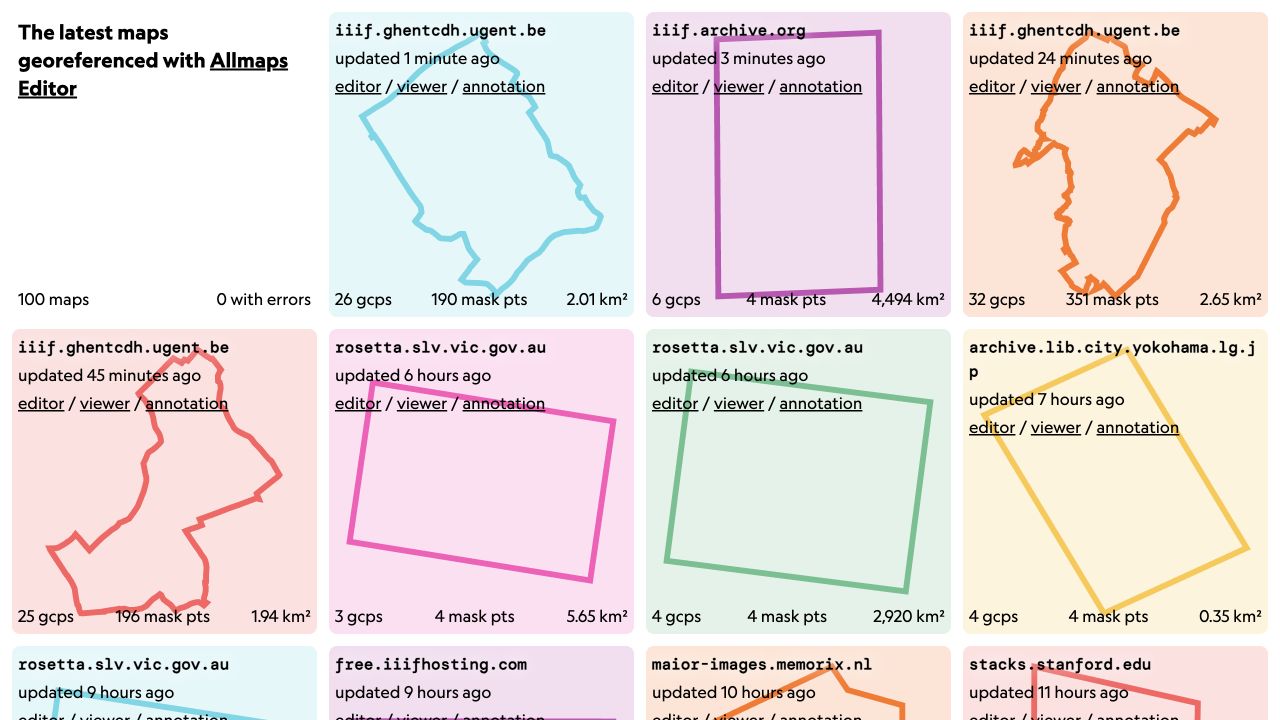
Browse the map previews and open a map in Allmaps Viewer. You can also open it in Allmaps Editor to inspect or improve the georeferencing.
Maps around you
Allmaps Here finds georeferenced maps around your current location.
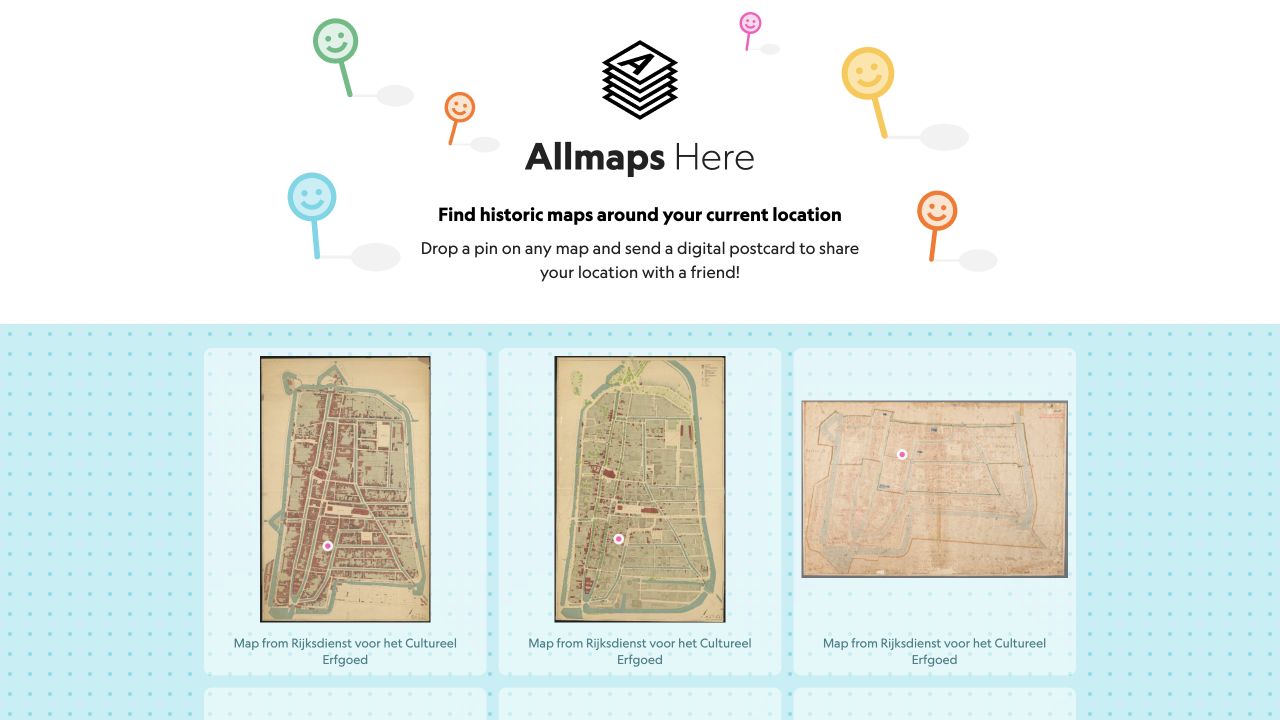
- Open Allmaps Here and allow your browser to access your location.
- Browse the available maps for that location.
- Open a map’s information panel and follow the Allmaps Viewer link to explore it on a modern basemap.
The available maps depend on what people have georeferenced in that area.
Explore a map
Once you have found a map, the viewing guide explains how to compare it with a modern basemap, inspect the original image, and share it with others. It also covers displaying georeferenced maps on your own website.
Find maps through the API
Use the Annotations API to find maps by location, institution, and other properties. These example URLs return Annotation Pages containing Georeference Annotations:
| Example | API URL |
|---|---|
| Recently updated maps | https://annotations.allmaps.org |
| Maps covering a point in Delft | https://annotations.allmaps.org |
| Maps from the Bibliothèque nationale de France | https://annotations.allmaps.org |
The limit=10 parameter requests up to ten maps. In the location example,
intersects=52.01,4.36 specifies a point as latitude, longitude. Replace
these coordinates to find maps covering another location. See the
Annotations API reference for the full documentation and
all available query parameters.
To georeference a map yourself, see Find maps to georeference.